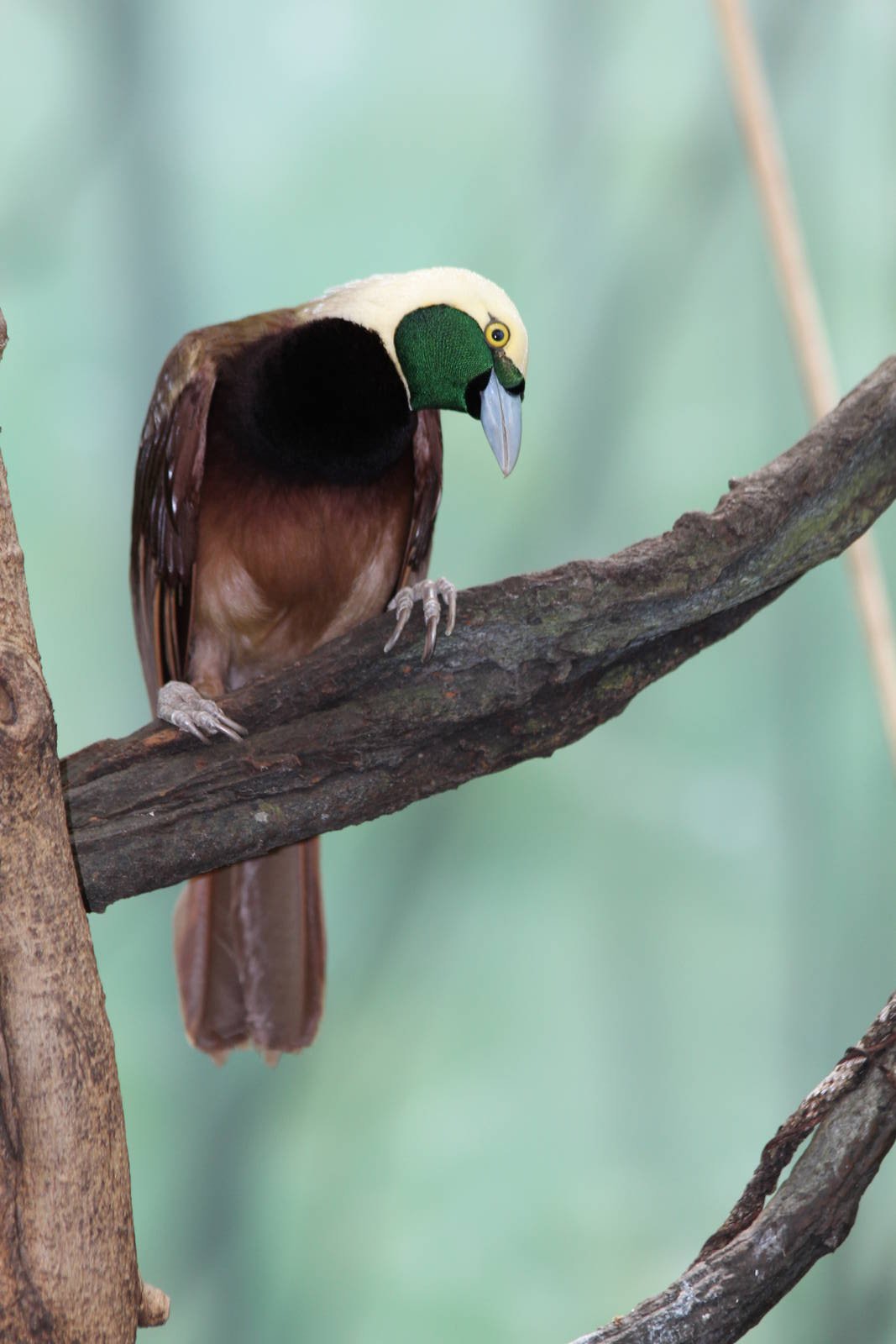
I assume that the pic didn't need rotating as presumably it was taken in portrait mode but the board has changed it to landscape mode? I no longer post images taken in portrait mode because of this issue with the board (software?), which is a pity. It is a very nice image and a shame that it can't be viewed naturally.
I assume that the pic didn't need rotating as presumably it was taken in portrait mode but the board has changed it to landscape mode? I no longer post images taken in portrait mode because of this issue with the board (software?), which is a pity. It is a very nice image and a shame that it can't be viewed naturally.
But the photo doesn't need rotating before uploading. If I take an image in portrait mode I want it displayed in portrait mode so I upload it in portrait mode. Recently though the board has been displaying portrait mode images in landscape mode, like this one I assumed. Are you saying if I take an image in portrait mode I should rotate it to landscape mode before uploading and then the board will rotate it back to portrait mode?!
But the photo doesn't need rotating before uploading. If I take an image in portrait mode I want it displayed in portrait mode so I upload it in portrait mode. Recently though the board has been displaying portrait mode images in landscape mode, like this one I assumed. Are you saying if I take an image in portrait mode I should rotate it to landscape mode before uploading and then the board will rotate it back to portrait mode?!
No, most cameras are setup in landscape format - if you want to take portrait you have to turn the camera on it's side - and you end up with an image like the one above. A lot of software (i.e. photo editing software) will automatically rotate the images when you view it - for viewing purposes only. But unless you save it to your hard-drive in portrait modes (after rotating) it will remain in landscape.
ZooChat does not rotate images. If you haven't saved it in portrait, it will end up as a landscape.
It's a shame we can't rotate post-post; I have some Kakapo shots with which I made the same mistake Newzooboy did with this.
Chlidonias: is there a way we can reupload the images and overwrite the first?
you can re-upload the photo (after rotating it ) and request the old photo to be deleted, but you can't replace the old photo directly with a new upload. But if there is a comment thread on the old photo (i.e. people making comments on the photo) then it probably won't be deleted unless they are too banal to bother keeping.