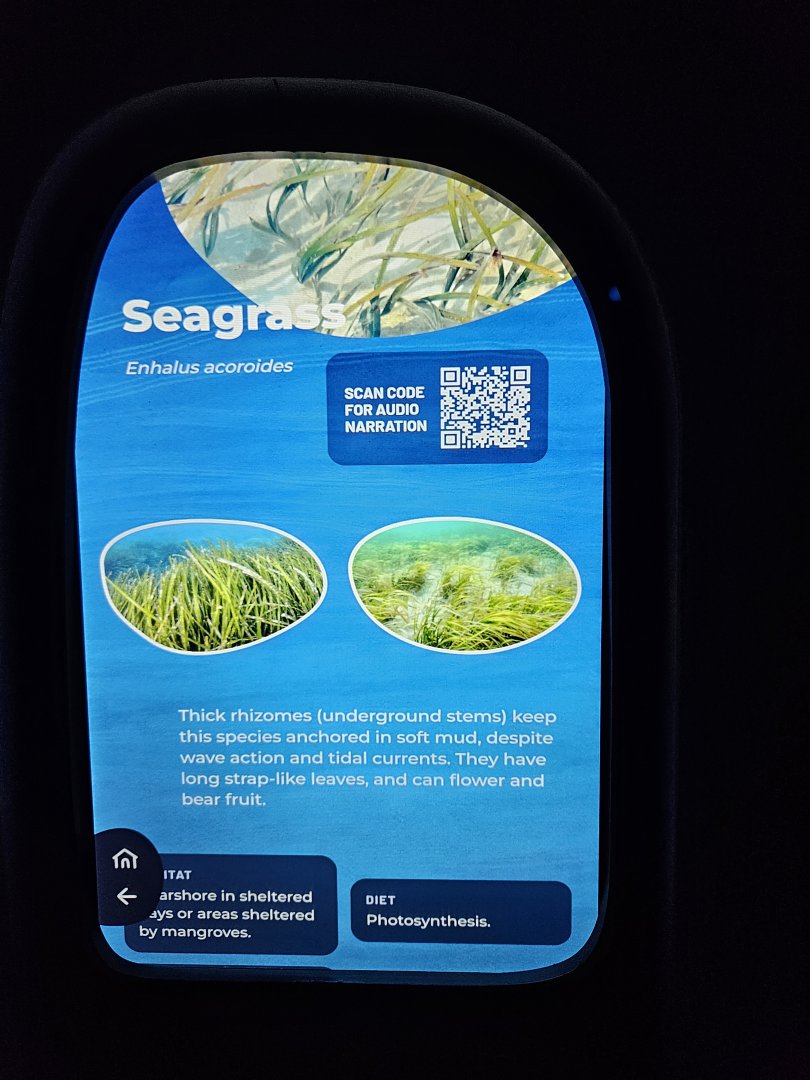
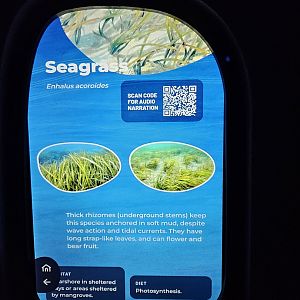
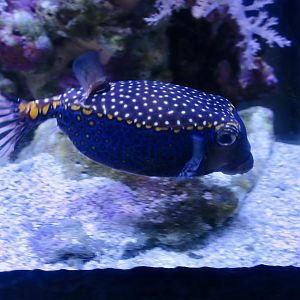
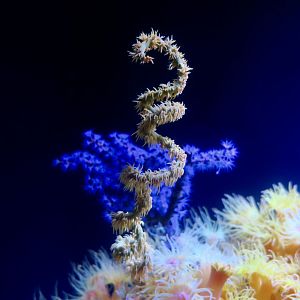
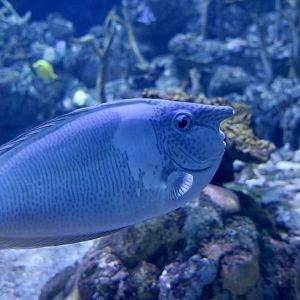
The only photos I can post that I know are safe, this is an example of the signage for the 'At home in the Ocean' gallery. They're touch screens built in to the wall. The signage for 'The Reef', 'Archipelago', and 'One Ocean Hall' all work the exact same way, but they're on stand alone tablets instead of built in screens.
Each tablet is programmed in this order: Animals are separated into different categories (Shark, Rays, Fish, Inverts, Plants) then after click on one, it gets a little more specific (such as if I click on 'Invertebrate', categories like Crab, Shrimp, Coral, etc pop up). Then you can click on one which leads to color categories (such as if I click on "Shrimp", colors like 'Red', 'White', and 'Orange' pop up), and after clicking on a color, species of shrimp that match that color would pop up.
After clicking on a species, the common name, Latin name, habitat, diet, IUCN status, it's role in the ecosystem, and fun facts would pop up. It's a really cool idea I like a lot because it's not just staring at a screen and waiting for the species to go by, you get to interact with it and get tons of information from it species by species instead.