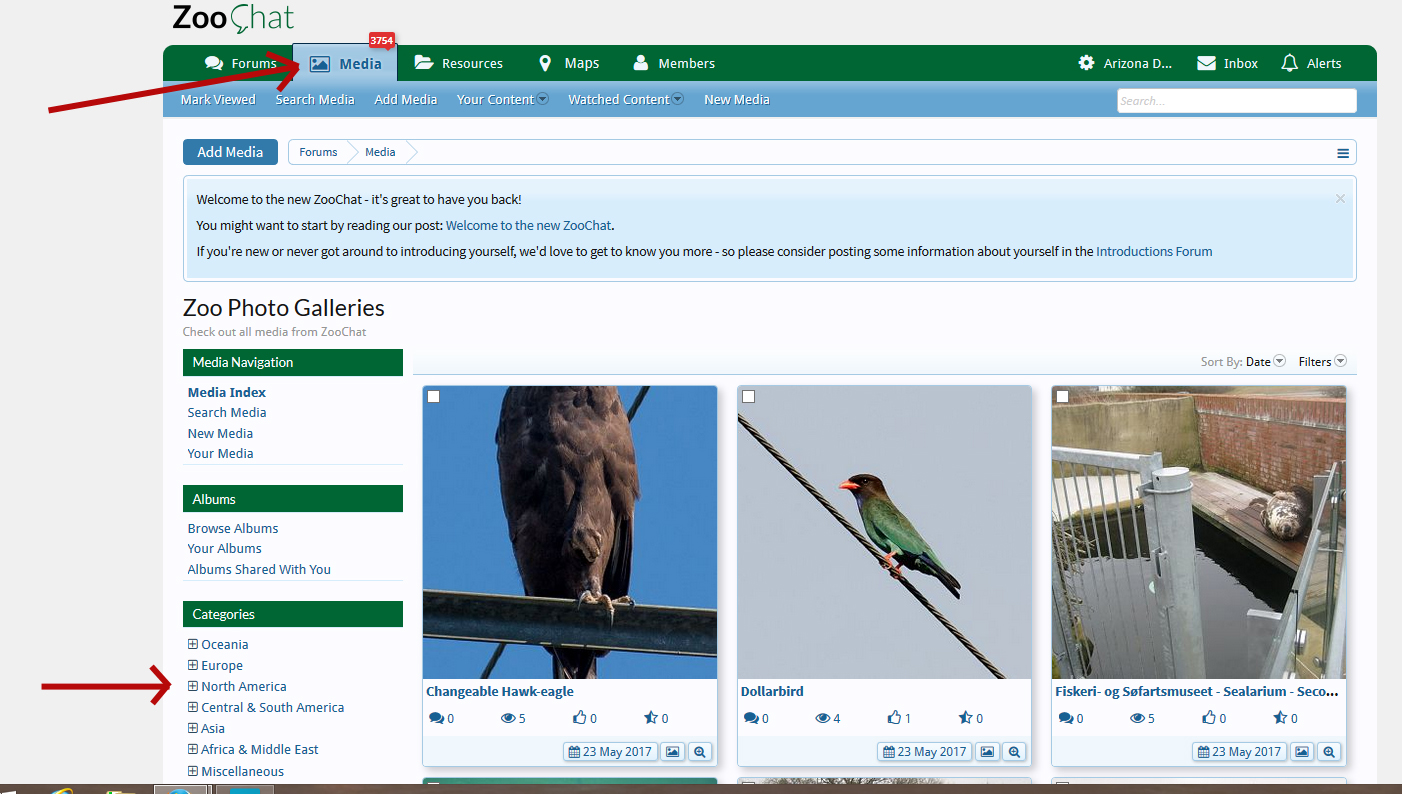
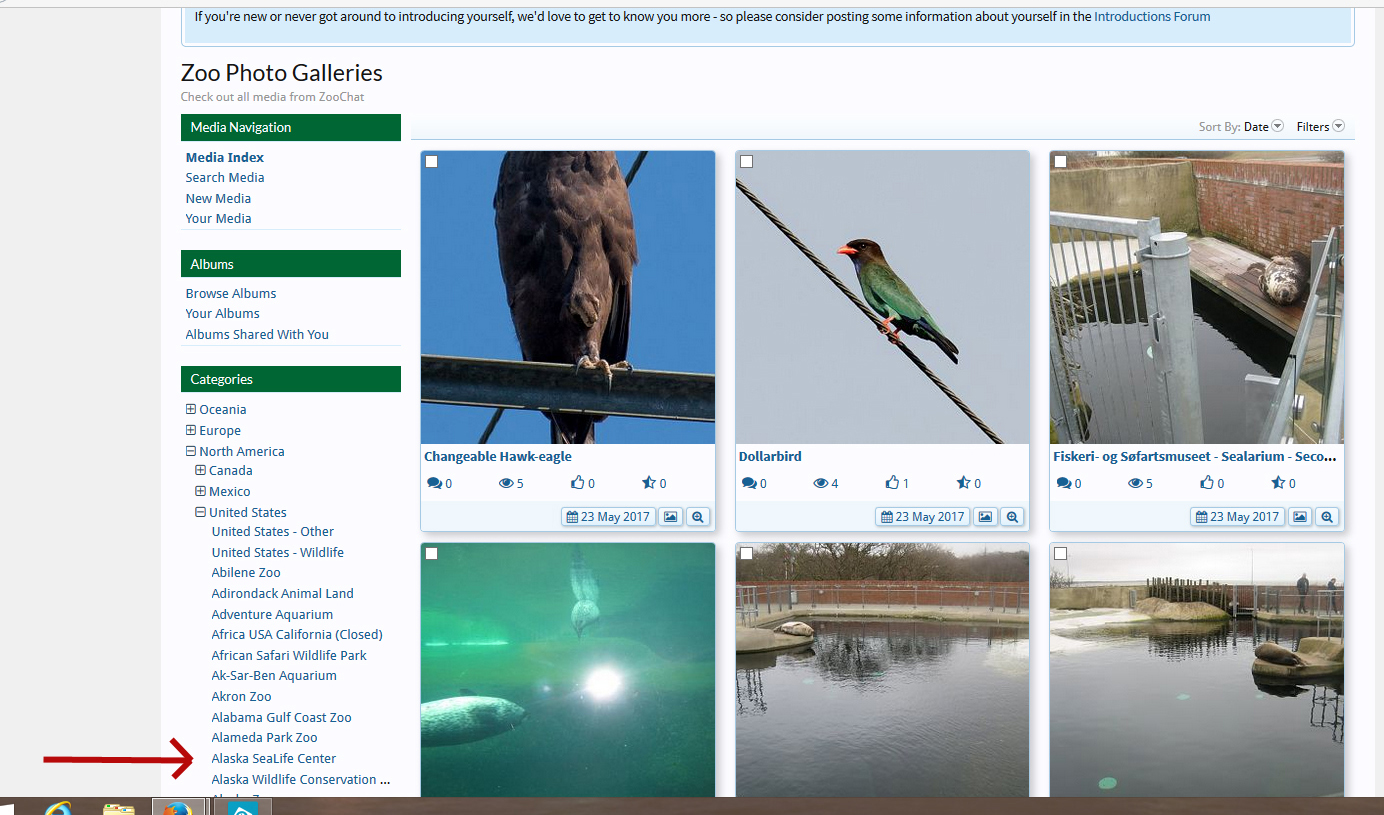
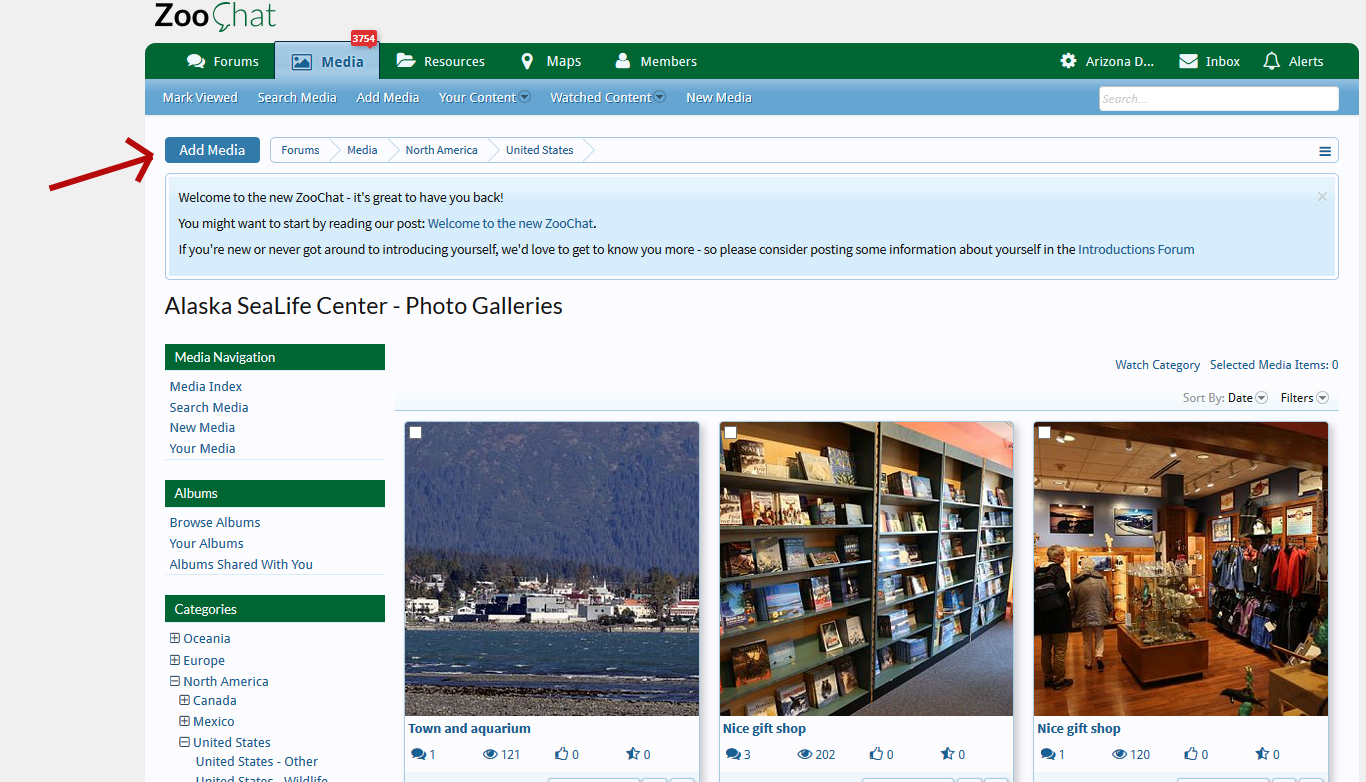
I don't know how to do screenshots, but:
The page should say "Add media to..." and then there's a choice of a "site category" or "an album". If you've already selected Bristol Zoo, it will say that in the "site category" bar.
Under those there should be three tabs, saying "upload an image", "upload a video" and "embed a video". The first one should already be selected, and underneath the tabs it should say "upload type" followed by "upload an image from your files", and under that should be a tab/button saying "upload image".
If you are just on the UK gallery (as opposed to a specific zoo) the page will be blank except for a link saying "add media".