
Over the past few years I have posted scanned versions of my old colour transparencies in our Gallery. However the process of using a scanner is difficult and tine-consuming, and the results are of mixed quality - I found it impossible to make good scans from some of my old images, probably for a variety of reasons. I haven't done any scanning for some time and I have now decided to stop completely.
I think that the application of AI to photographic images is going to make a tremendous change to the quality of our photographs in the near future. There are programs available now that promise to make better images from photographs old and new, but only from the starting point of raw digital images.In effect, they will allow a photographer to control a raw image like a skilled darkroom worker could control the appearance of a paper print made from an original negative - far in advance of the 'traditional' use of programs like Adobe's Lightroom and Photoshop. Some upmarket scanners claim to produce 'raw' files, but they are not like the camera raw files that these programs handle. So I have now started to copy my slides with my digital camera (using a macro lens and a neat rig I have just purchased), so that my copies will be proper raw files (.NEF from my Nikon) which I can eventually process with the new AI software - I will write more about that eventually.
This method of copying is very easy and very quick, moreover it seems to produce very good results, provided that the original is good enough. I have just posted these 2 images, which were produced in camera, but then edited with the software I have used for years. At the size allowed in our Gallery, I don't think anyone will notice much difference, but I will be interested in any comments.
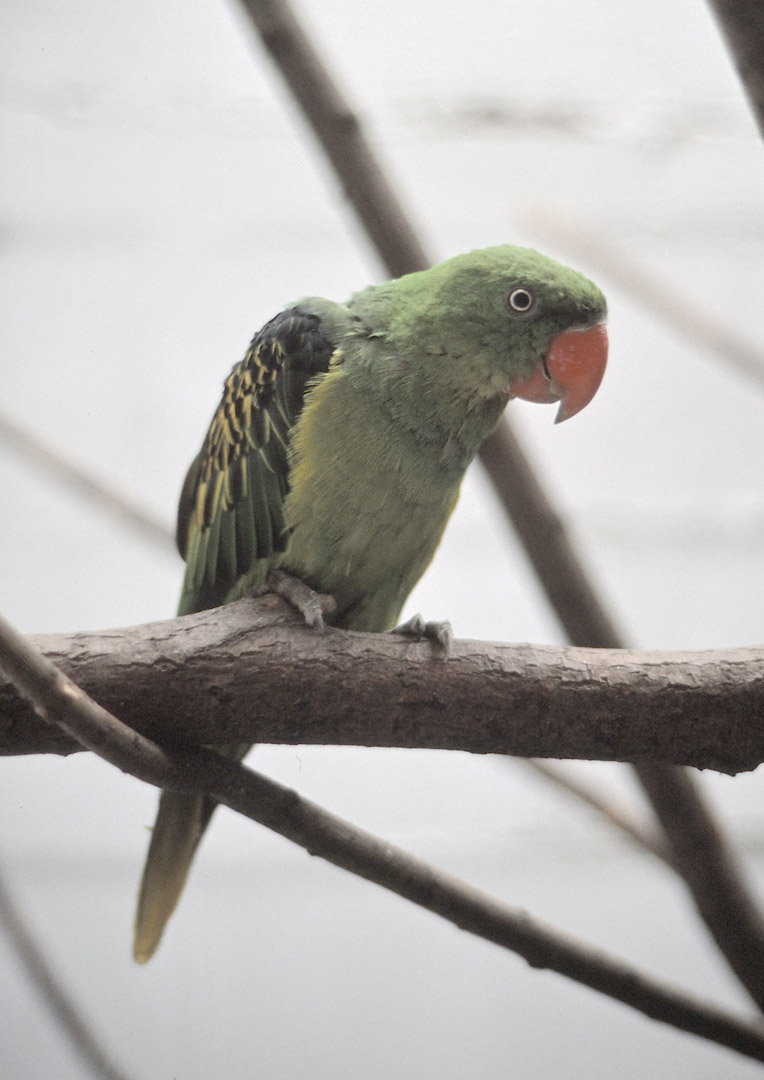
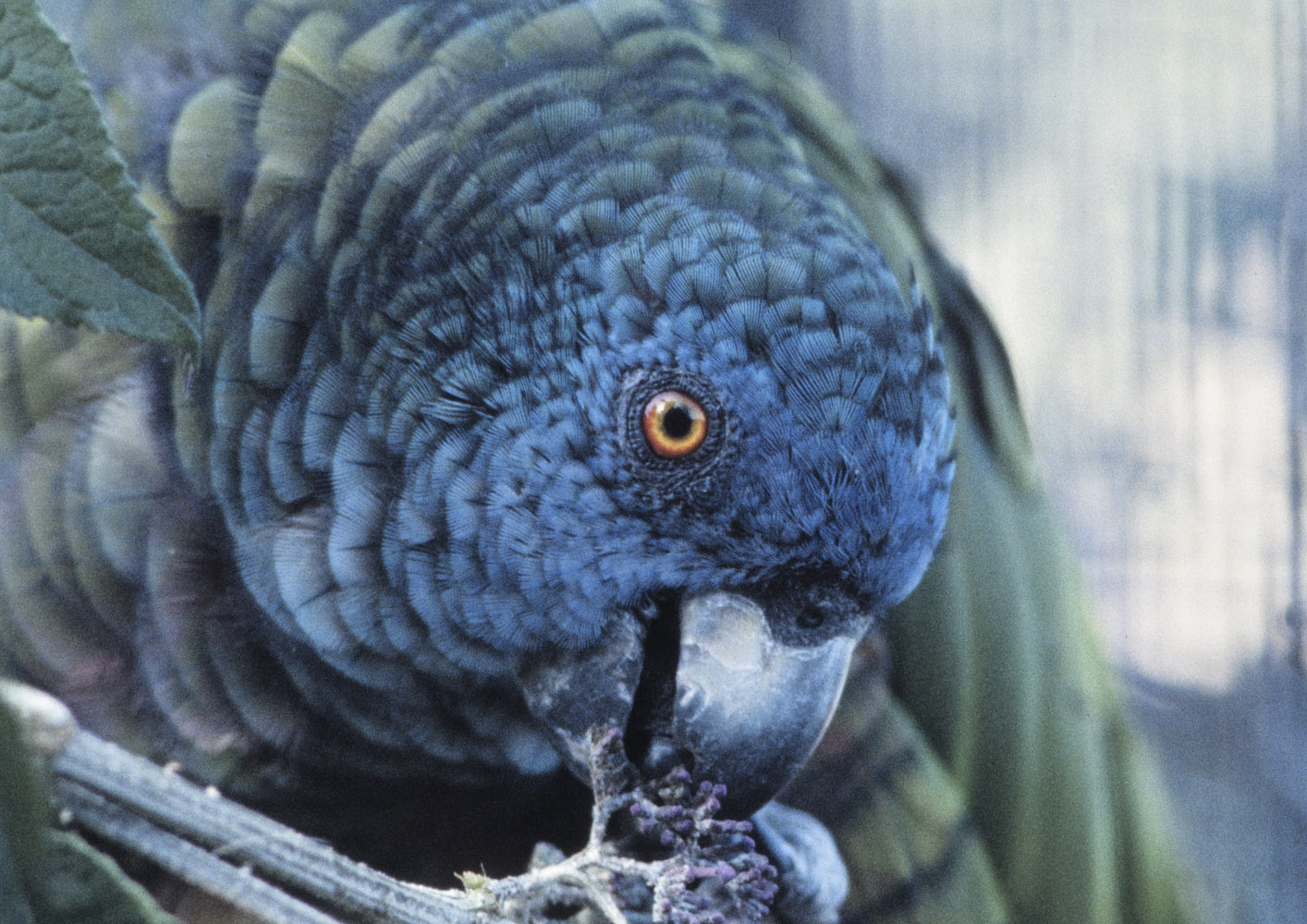
I think that the application of AI to photographic images is going to make a tremendous change to the quality of our photographs in the near future. There are programs available now that promise to make better images from photographs old and new, but only from the starting point of raw digital images.In effect, they will allow a photographer to control a raw image like a skilled darkroom worker could control the appearance of a paper print made from an original negative - far in advance of the 'traditional' use of programs like Adobe's Lightroom and Photoshop. Some upmarket scanners claim to produce 'raw' files, but they are not like the camera raw files that these programs handle. So I have now started to copy my slides with my digital camera (using a macro lens and a neat rig I have just purchased), so that my copies will be proper raw files (.NEF from my Nikon) which I can eventually process with the new AI software - I will write more about that eventually.
This method of copying is very easy and very quick, moreover it seems to produce very good results, provided that the original is good enough. I have just posted these 2 images, which were produced in camera, but then edited with the software I have used for years. At the size allowed in our Gallery, I don't think anyone will notice much difference, but I will be interested in any comments.


 (and which I will be able to explain here soon, I hope). What immediately became clear was that my current PC was not up to the task, as it is over 10 years old. So I have bitten the bullet and bought a new one with an extra fast graphics card, which I hope to have up and running in the New Year. Wish me luck
